Made in your browser. Names stay on this device.
Edit the wording
Confirmation certificate templates
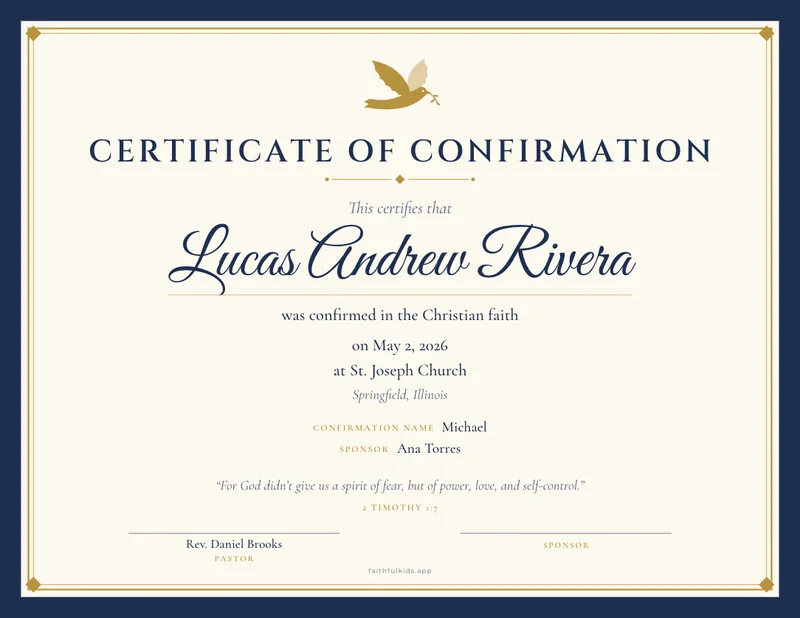
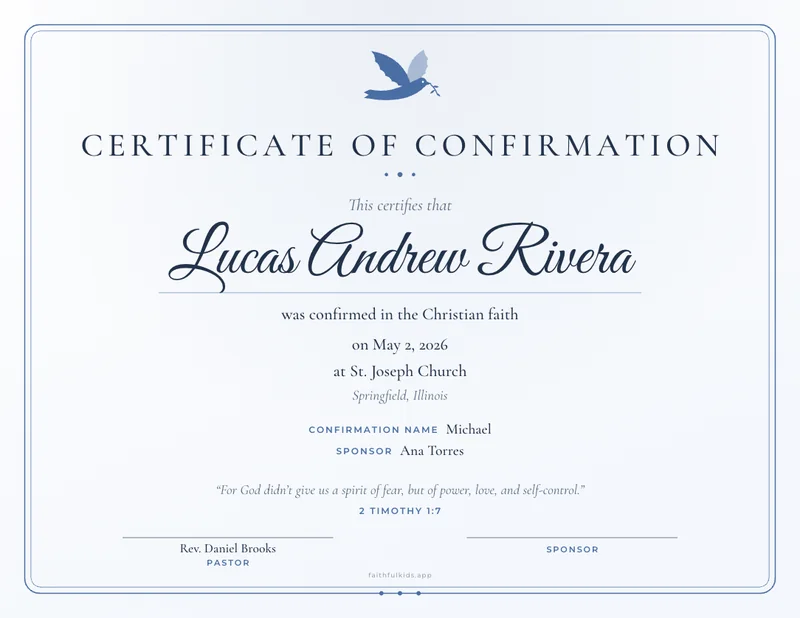
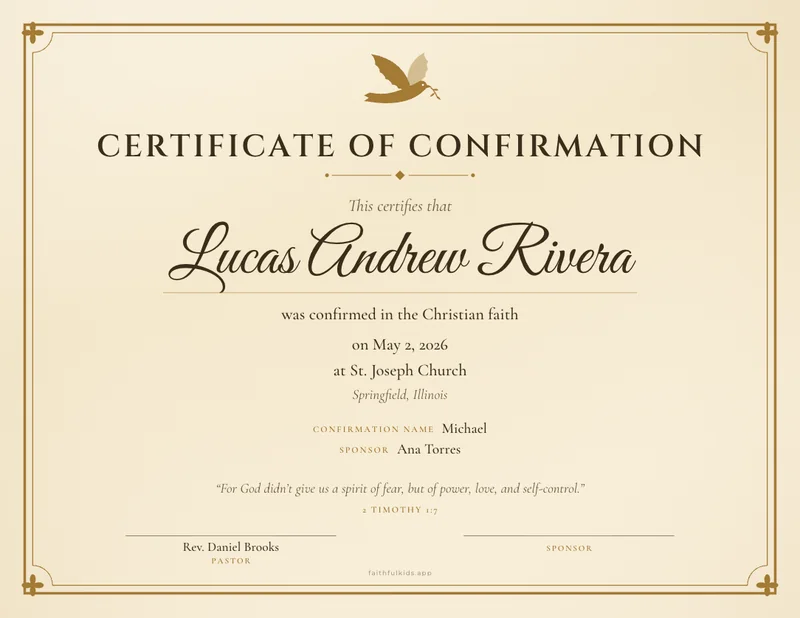
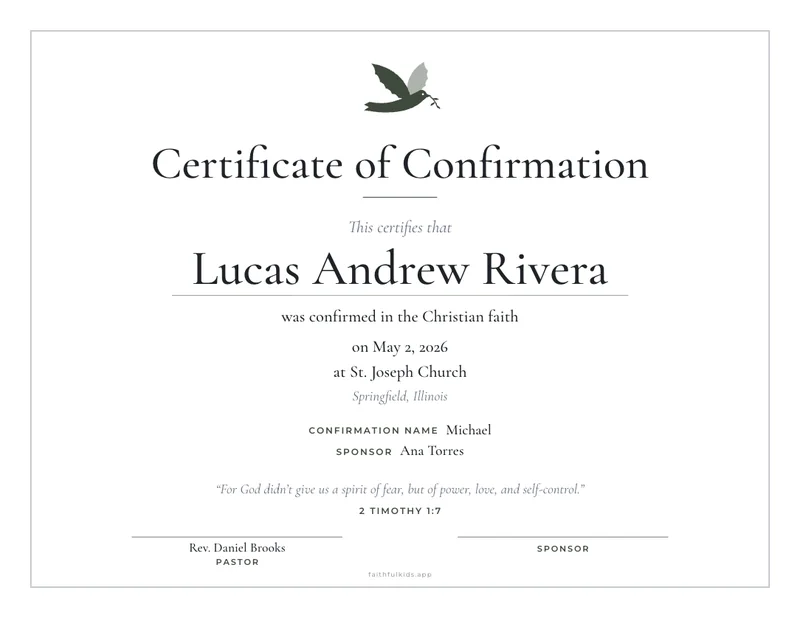
Choose from 8 designs, each printable on US Letter or A4 in landscape or portrait at 300 dpi. The dove, the traditional sign of the Holy Spirit, is the default emblem for Confirmation; a cross or no emblem are one click away.
What goes on a Confirmation certificate
- Full name, and the confirmation name if your church gives one.
- Date of the Confirmation service or Mass.
- Church or parish and city; Catholic certificates often add the diocese, which you can type after the city.
- Sponsor (or mentor, or godparent).
- Who confirmed them: the bishop, pastor or minister, with a line to sign.
- A second signature for the sponsor, the pastor or the youth minister.
- A Bible verse, often about the Holy Spirit.
Confirmation certificate wording for each church
The default reads: “This certifies that Lucas Andrew Rivera was confirmed in the Christian faith on May 17, 2026 at Grace Lutheran Church.” Open Edit the wording and choose the line your church uses, or type it yourself:
Catholic
“received the Sacrament of Confirmation,” usually signed by the bishop or the priest he delegates, with the sponsor and confirmation name.
Lutheran
“affirmed the promises of Holy Baptism and was confirmed,” or the title Affirmation of Baptism, signed by the pastor.
Anglican and Episcopal
“was confirmed by the laying on of hands,” with the bishop's name on the first signature line.
Methodist
“professed the Christian faith and was confirmed,” signed by the pastor.
Orthodox
Certificate of Chrismation: “was received through Holy Chrismation,” for a person received into the Church after infancy.
Bible verses for a Confirmation certificate
The verse text is the World English Bible (WEB), a public domain translation, so it can be printed freely. Choose Type my own verse to use your church's Bible instead.
- “You will receive power when the Holy Spirit has come upon you. You will be witnesses to me.” Acts 1:8
- “For God didn’t give us a spirit of fear, but of power, love, and self-control.” 2 Timothy 1:7
- “But the fruit of the Spirit is love, joy, peace, patience, kindness, goodness, faith, gentleness, and self-control.” Galatians 5:22-23
- “The Counselor, the Holy Spirit, whom the Father will send in my name, will teach you all things.” John 14:26
- “Yahweh’s Spirit will rest on him: the spirit of wisdom and understanding, the spirit of counsel and might, the spirit of knowledge and of the fear of Yahweh.” Isaiah 11:2
- “Be strong and courageous. Don’t be afraid. Don’t be dismayed, for Yahweh your God is with you wherever you go.” Joshua 1:9
- “Now may the God of hope fill you with all joy and peace in believing, that you may abound in hope, in the power of the Holy Spirit.” Romans 15:13
- “I will also give you a new heart, and I will put a new spirit within you.” Ezekiel 36:26
- “He who establishes us with you in Christ, and anointed us, is God; who also sealed us, and gave us the down payment of the Spirit in our hearts.” 2 Corinthians 1:21-22
- “Let no man despise your youth; but be an example to those who believe, in word, in your way of life, in love, in spirit, in faith, and in purity.” 1 Timothy 4:12
- “He who began a good work in you will complete it until the day of Jesus Christ.” Philippians 1:6
- “Yahweh bless you, and keep you. Yahweh make his face to shine on you, and be gracious to you. Yahweh lift up his face toward you, and give you peace.” Numbers 6:24-26
- “For I know the thoughts that I think toward you, says Yahweh, thoughts of peace, and not of evil, to give you hope and a future.” Jeremiah 29:11
- “Trust in Yahweh with all your heart, and don’t lean on your own understanding. In all your ways acknowledge him, and he will make your paths straight.” Proverbs 3:5-6
- “Peace I leave with you. My peace I give to you; not as the world gives, I give to you. Don’t let your heart be troubled, neither let it be fearful.” John 14:27
- “Your word is a lamp to my feet, and a light for my path.” Psalm 119:105
- “I can do all things through Christ, who strengthens me.” Philippians 4:13
- “I will give thanks to you, for I am fearfully and wonderfully made.” Psalm 139:14
- “God is love, and he who remains in love remains in God, and God remains in him.” 1 John 4:16
Certificates for a Confirmation class
Paste the class list into batch mode, one candidate per line, like this:
Lucas Rivera | Ana Torres | Michael
Grace Kim | David Park | Cecilia
Noah Brooks | Ruth Brooks
The first column is the name, the second the sponsor, the third the confirmation name; leave a column out and that line is simply skipped. Set the date, church and minister once, then download a single PDF with one certificate per page. Print a test page on plain paper first, check spellings against the register, and keep the PDF for replacements. For a matching card, try the Confirmation card maker, which has messages written for sponsors.
Questions about Confirmation certificates
What is a Confirmation certificate?
A Confirmation certificate is a keepsake that records that a person was confirmed: their name, the date, the church, and usually the sponsor and the minister who confirmed them. The official record is the one the church keeps; the certificate goes home with the family.
How do I get proof of a past Confirmation?
Contact the church where you were confirmed and ask for a copy from its register. In the Catholic Church, Confirmation is also noted in the baptismal register of the parish where you were baptized, so a recently issued baptismal certificate often shows it. If a church has closed, its diocese or synod office usually holds the old registers.
What are the seven gifts of the Holy Spirit?
In Catholic teaching, and in many other churches that keep the tradition, the seven gifts are wisdom, understanding, counsel, fortitude (courage), knowledge, piety and fear of the Lord. The list comes from Isaiah 11:2-3, and it is often read or prayed at Confirmation. Isaiah 11:2 is one of the verses in the maker.
Are kumpil and Confirmation the same?
Yes. Kumpil is the Filipino word for the sacrament of Confirmation, borrowed from Spanish, and a kumpil sponsor is the Confirmation sponsor, often called ninong or ninang.
Does the certificate include the confirmation name?
It can. Tick Add a line for a confirmation name and it prints under the name, labelled as you like (Confirmation name, Confirmation saint or Patron saint). Leave it off if your church does not use one.
Can I make certificates for a whole Confirmation class?
Yes. Choose A whole class (batch) and paste one line per candidate: the name, then the sponsor after a |, then the confirmation name after another |. Set the date, church and minister once, and download one PDF with a certificate for everyone.
Is it free, and is anything I type stored?
It is free, with no watermark across the certificate, and nothing is stored: the certificate is drawn in your browser and saved to your device. The small faithfulkids.app on the bottom edge can be turned off.